For everyone
Trouble signing in or a forgotten password
Start with the sign-in method you used before and check your email address. You do not need a new account to recover access.
On this page
How to do it
Check your account and sign-in method
Enter your email and password on the sign-in page. If you used Google before, choose “Continue with Google” and select the same account.
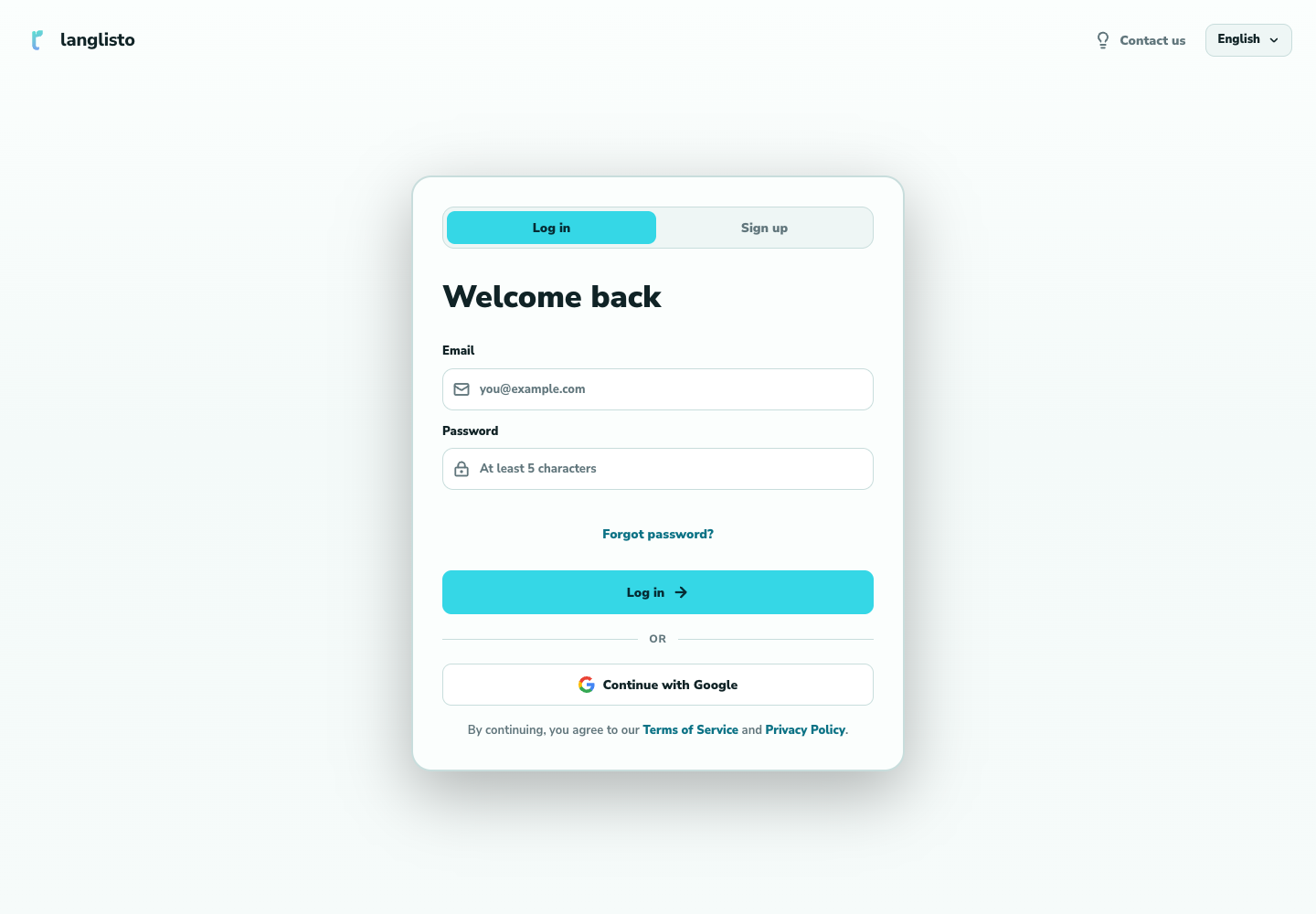
1. Check your account and sign-in method Request a link
If you forgot the password, choose “Forgot password?”, enter your email, and request a link. A neutral confirmation appears on screen.
Open the email
Check your inbox and spam folder. Use the most recent link. If it does not work, request a fresh link and try again.
Good to know
Troubleshooting
The email has not arrived
Check the address and spam folder. If it still does not arrive, contact support with your account email.
My classes disappeared after signing in
Make sure you are using the original account. Different email addresses can lead to different accounts.