For teachers
A section is missing from the menu
Teachers can customise their menu in Modules. A section may also depend on the account role or school settings.
On this page
How to do it
Open Modules
Go to Settings → Modules and find the relevant section or subsection.
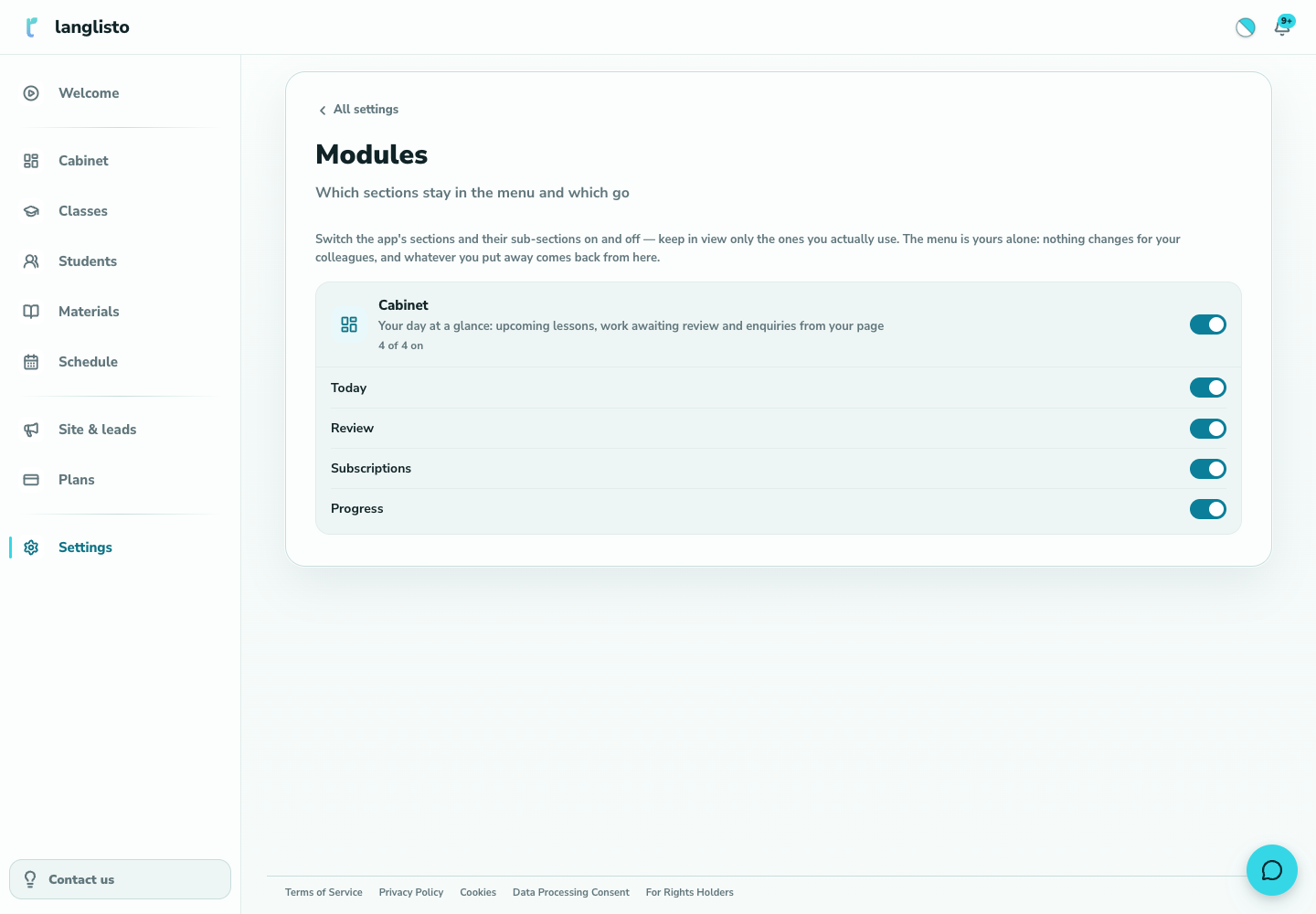
1. Open Modules Enable the section
Turn its switch on, then check the application menu. This lets you keep the tools you use within reach.
Check your role
If the option is also missing from Modules, make sure you are signed in as a teacher. School staff may need a permission assigned by the school.
Good to know
Troubleshooting
I am a student and cannot find Modules
Modules is for teachers. Your teacher or school provides access to learning classes.