For teachers
Reviewing marathon lessons
How to enable teacher review, find submitted lessons, approve them or return them for revision with a comment, and what the student sees at each stage.
On this page
How to do it
Enable review
“Settings” → “Passage” → the “Teacher review” toggle: each completed lesson goes to the teacher without changing when lessons open. In the “After sending for review” and “After the teacher's review” modes review is always on. Click “Save”.
The student hands in a lesson
At the bottom of the lesson the student clicks “Complete lesson”. If some exercises are unfinished, a warning “You haven't completed these exercises” appears. After handing in, the student sees “Completed — awaiting the teacher's review”.
Find submitted work
On the “Students” tab an amber badge next to the “Progress” button shows how many lessons wait for review. The “Waiting for review · N” chip keeps only those students, “All” brings everyone back. Click the badge or “Progress”: lessons carry the “Pending review” status and a “Handed in …” date.
Review and decide
Click “Open the lesson” — the “Lesson review” section opens with the student's answers. “Approve” accepts the lesson. “Return for revision” reveals the “Comment for the student” field (“What to fix…”) and the “Send for revision” button; the comment may be left empty. “Next lesson” moves to this student's next lesson.
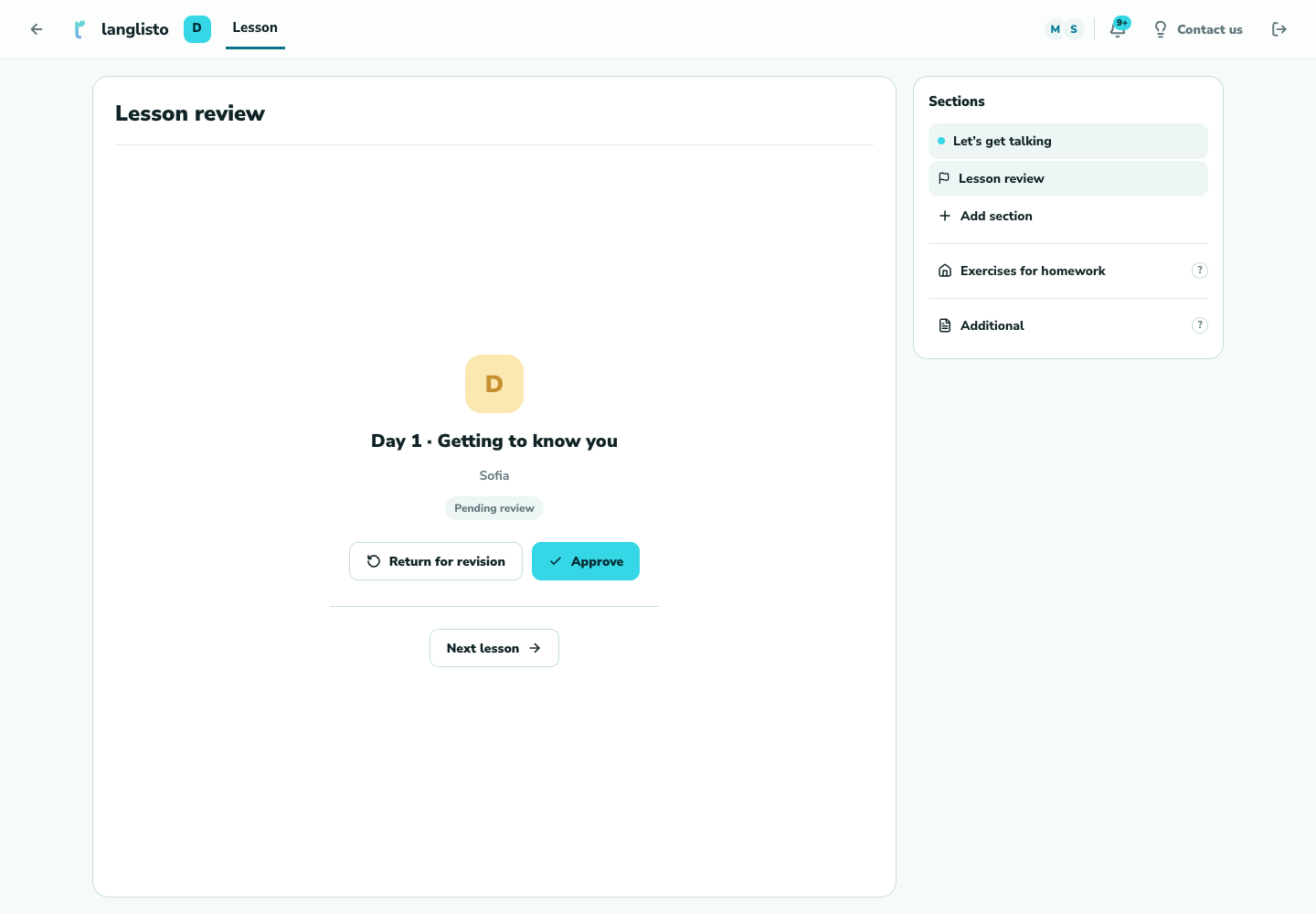
4. Review and decide What the student sees
A returned lesson shows “Returned for revision”, your comment and a “Resubmit” button. The progress card shows “Returned …”, and after approval “Reviewed …”.
Good to know
Troubleshooting
There is no badge although the student says they handed in the lesson
The badge appears only for lessons in the “Pending review” status. A lesson “Returned for revision” is waiting for the student, not for you. Check that “Teacher review” is enabled in course settings.
The “Approve” and “Return for revision” buttons are missing
The verdict is available to the class owner or an assigned reviewer. Under “Read-only” nothing can be changed; in “Review mode” you accept and return work while the owner changes everything else.