For everyone
Change your profile, language, and time zone
Your personal settings are under Settings → Personal profile. Native language, interface language, and time zone are separate choices.
On this page
How to do it
Open your profile
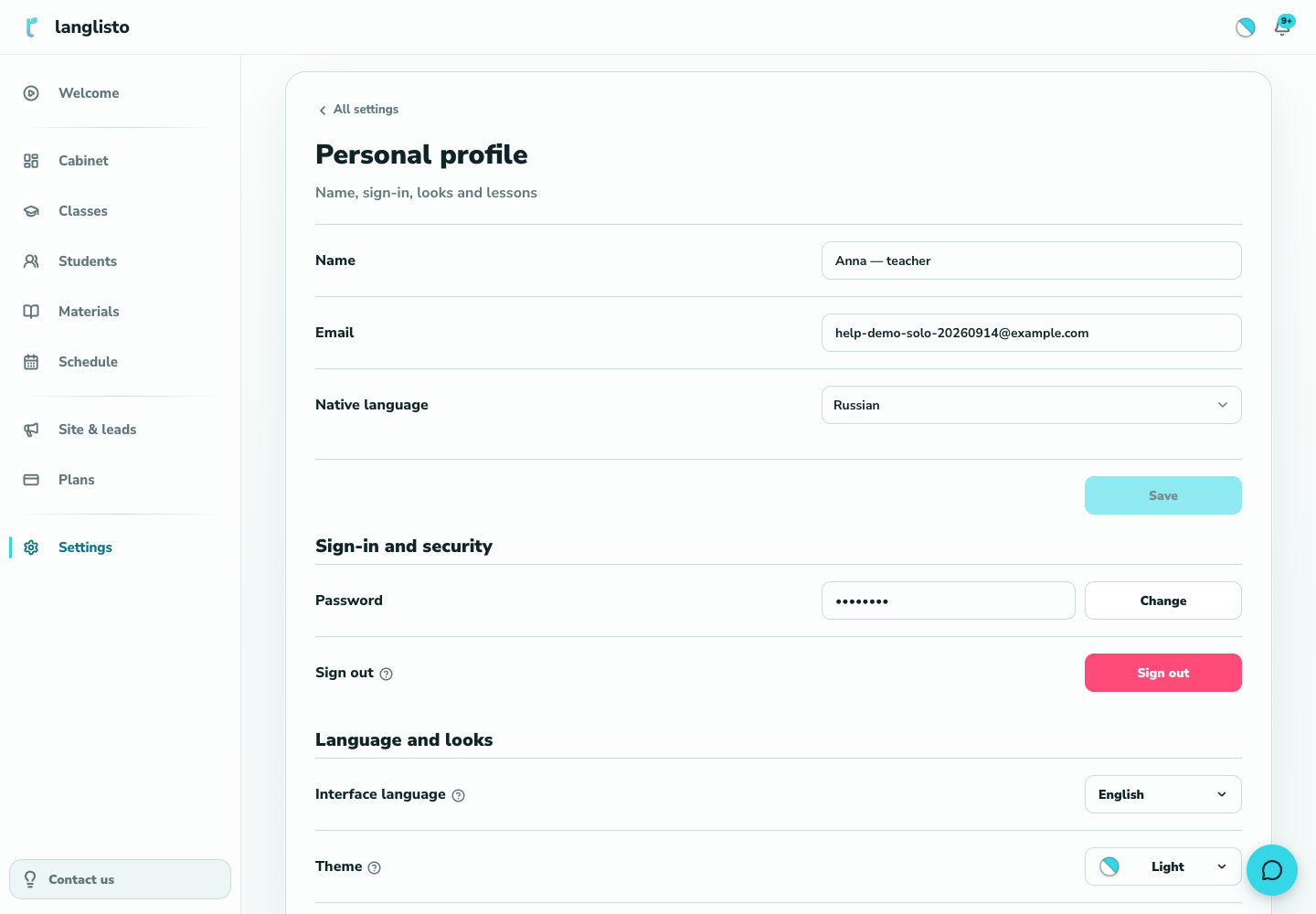
Open Settings, then Personal profile. It brings together your profile, sign-in and security, appearance, and lessons.
1. Open your profile Change the relevant details
Change your name or native language in the profile block and save. Choose the interface language and theme under language and appearance.
Check lesson times
In the lessons block, choose your time zone and save it. After a change, check your next lesson in the schedule.
Confirm a new password
Open the password change form and follow its instructions. The password changes after email confirmation; until then, the old one still works.
Good to know
Troubleshooting
My changes did not save
Look for a message below the relevant block. Separate groups of settings have their own save actions.